
Help from a real person, with your own link
Report a problem from the app or write to us: every case gets its own private conversation, and we email you every time we reply.
How it works
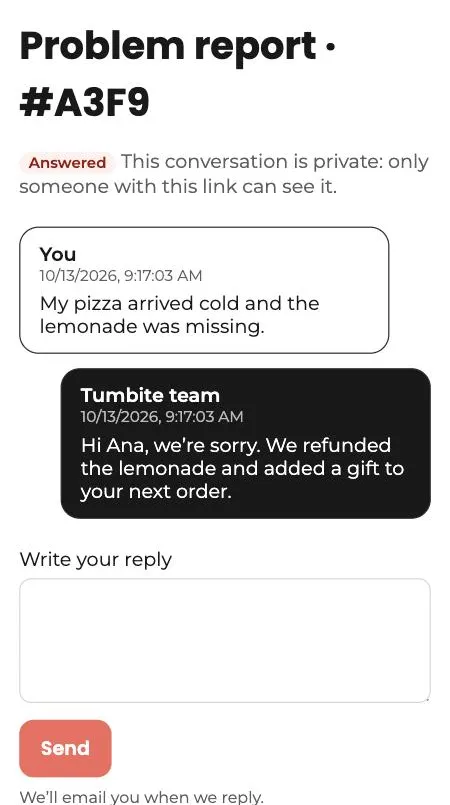
When something goes wrong, the last thing you want is to repeat the story. That’s why every report opens a case with its own private link: there you see what you wrote and what we answered, and you can reply anytime, from any device.
The link is long on purpose so nobody can guess it, and it never shows up in search engines. If the report is about an order, the order number travels with it: no need to explain.
Restaurants also have a help bubble in their dashboard, with instant answers and the option to talk to a person.
Steps
- From an order, tap “Problems with your order? Tell us.” Drivers: “I have a problem.” Restaurants: the order’s three-dot menu, “Report a problem.”
- Describe what happened and send it. You get an email with the link to your case.
- When we reply, we email you. Open the link to read and answer.
- You can also write to support@tumbite.com.
This guide answers
- How do I talk to a person at Tumbite?
- How do I report a problem with an order?