
When an offer reaches you and how you pick up with the code
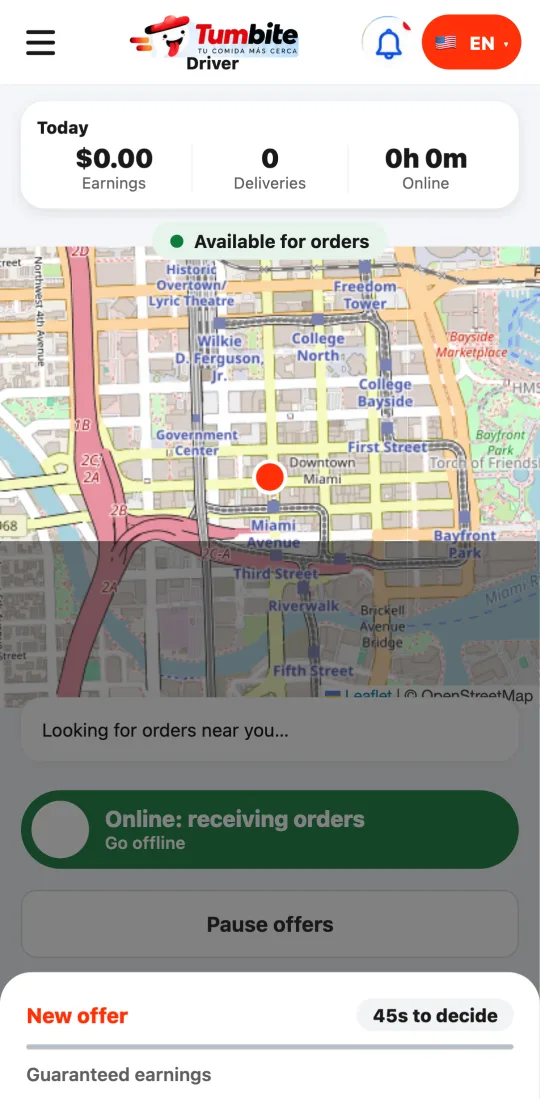
Offers reach you so you arrive when the food is ready, not before. At the restaurant you scan the code on their screen and take the photo: the order goes out on its own.
How it works
We don’t offer you an order the moment the restaurant accepts it: we calculate your trip and offer it when that many minutes plus three remain until it’s ready. So you don’t wait unpaid. The offer shows “Ready in X min.”
If the restaurant finishes early and taps “Ready,” the offer goes out right then.
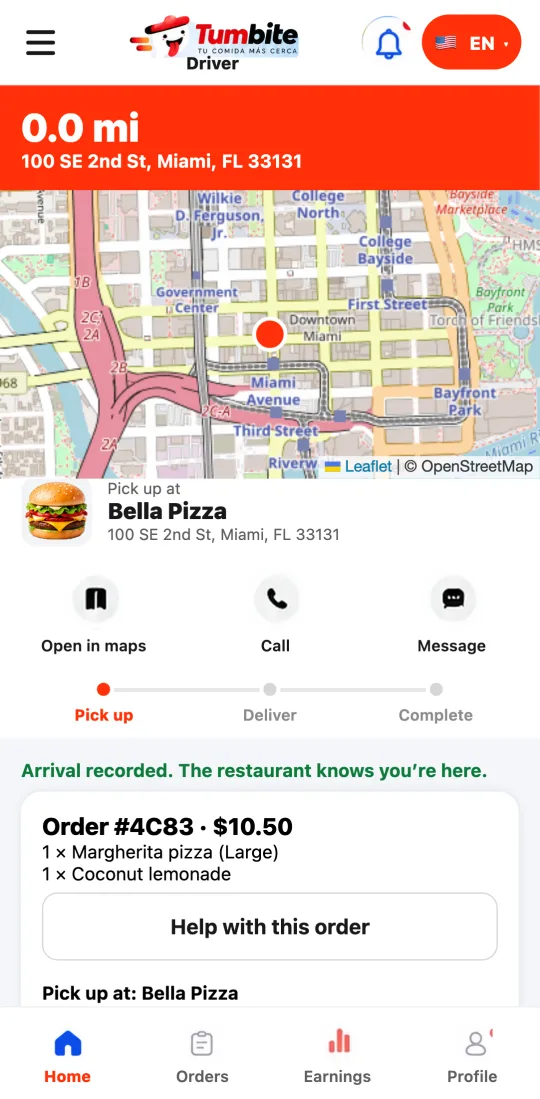
When you arrive, the restaurant’s screen shows a QR code next to the order. Scan it from your app (or type the 4 characters) and the app confirms it’s your order.
Then photograph the closed bag. With the code verified, the order goes out without the restaurant touching anything. If you couldn’t scan, the restaurant confirms by looking at your photo.
Your arrival at the restaurant is set by your location: the restaurant sees how many minutes away you are and, if they keep you waiting, how long; if you’re the one who’s early, that’s recorded too.
Steps
- Accept the offer and head to the restaurant: you’ll arrive when it’s ready.
- Tap “Scan the restaurant’s code” and point at the code on their screen. Without a camera, type the 4 characters.
- Tap “Take a photo of the order” with the bag closed. Done: you’re on your way.
This guide answers
- Why did the offer arrive so late?
- What is the restaurant’s QR code?
- What if I can’t scan the code?