
Put your restaurant on Tumbite
Create your account, complete your profile, and wait for approval. No lock-in contracts.
Steps
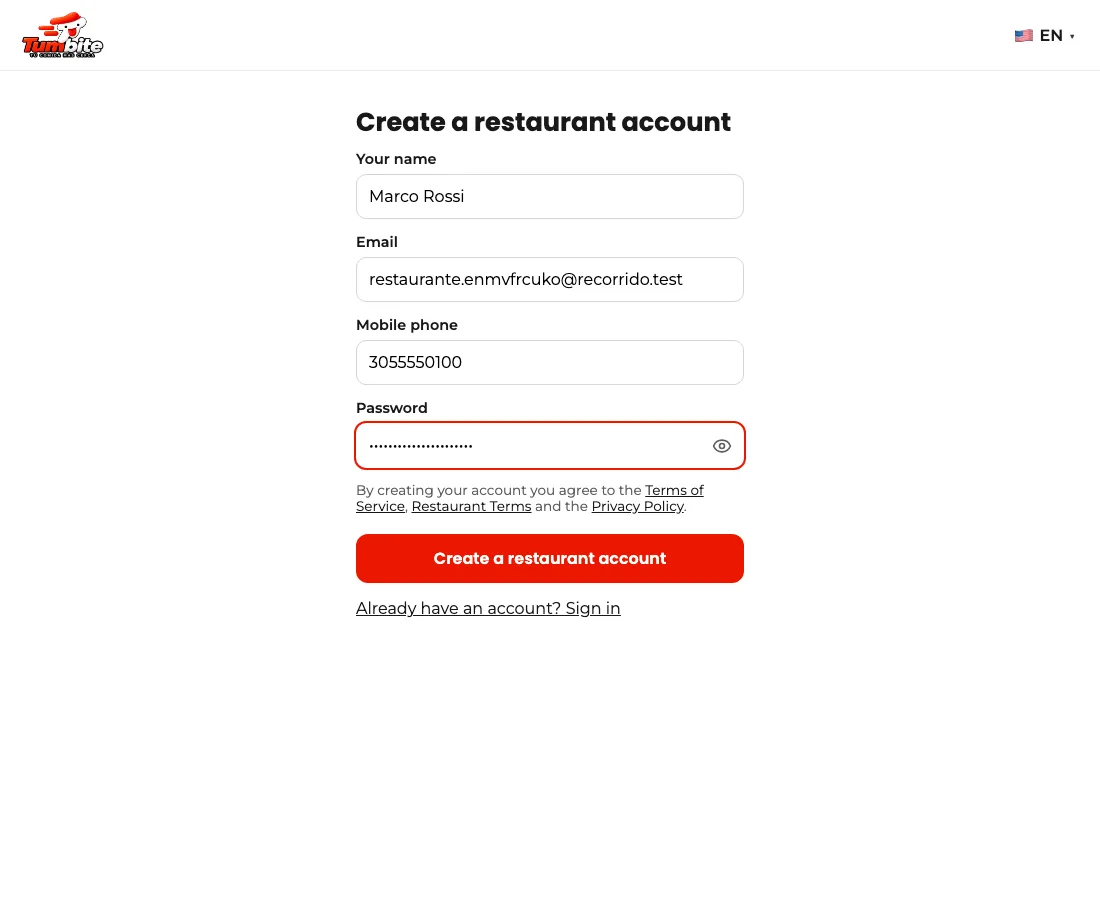
- Go to tumbite.com, tap “Dashboard,” and create a restaurant account with your email.
- Under Profile → “Start delivering” you see the four steps and which one is missing: your details and vehicle, your ID and photo, the background check, and your payout account. Each step opens with a tap.
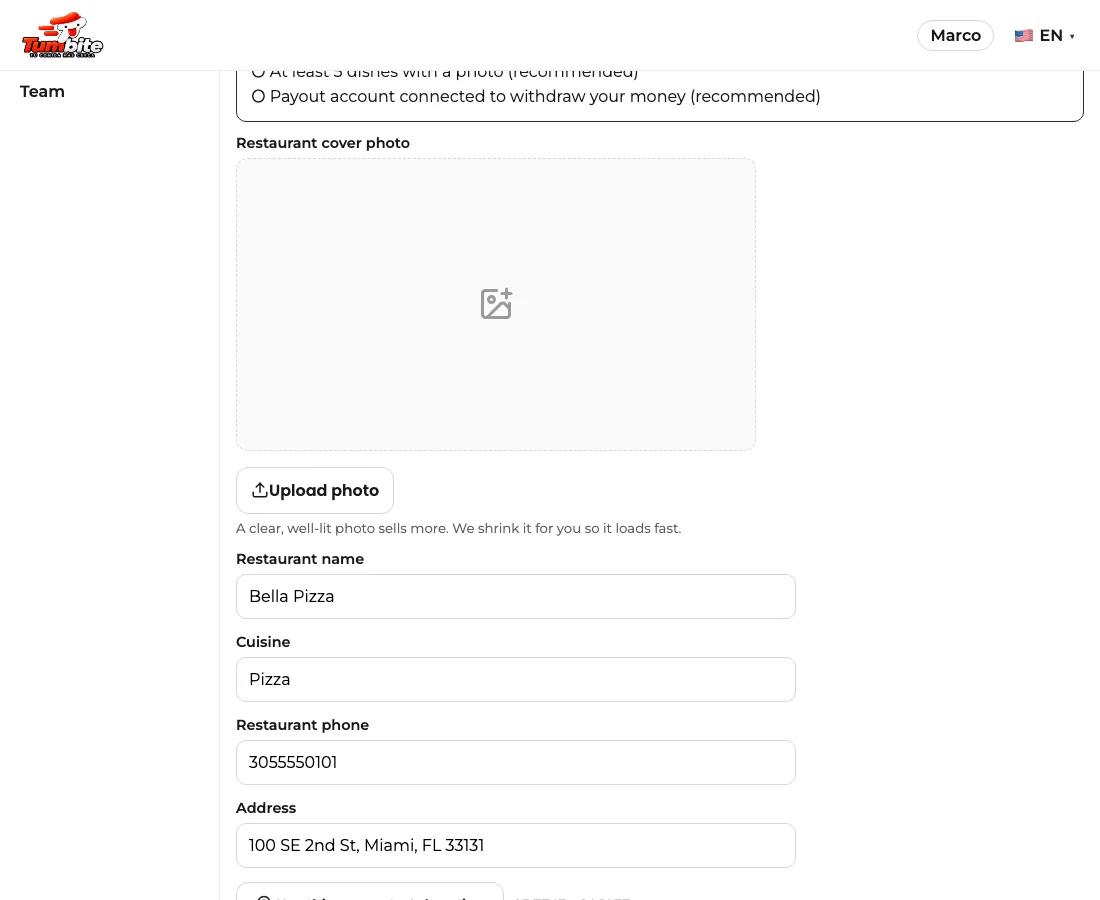
- In “My restaurant,” fill in the name, cuisine, phone, and address. Use “Use this computer’s location” if you’re at the restaurant.
- Upload a cover photo: a clear, well-lit photo sells more. We shrink it for you so it loads fast.
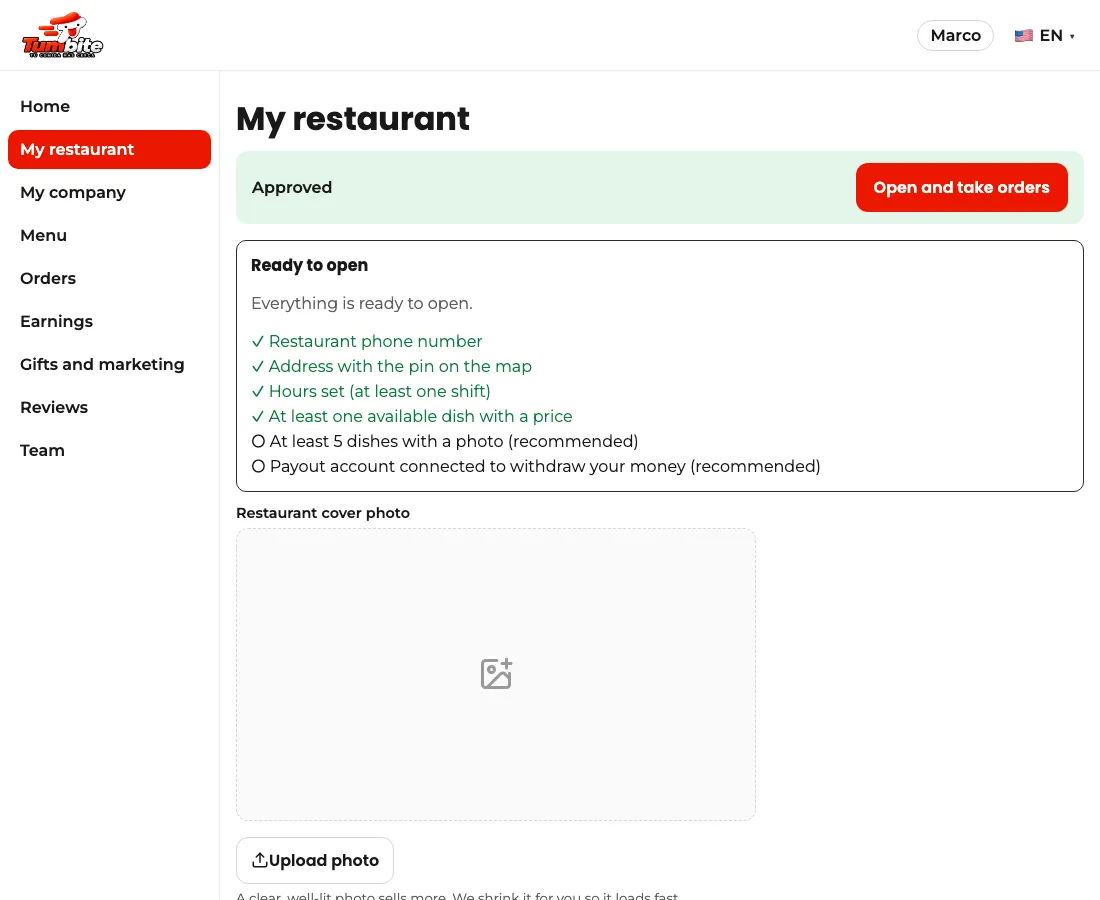
- Save. Your restaurant is “under review”: our team approves it and emails you.
- Once approved, tap “Open and take orders.” You can close anytime.
This guide answers
- How do I put my restaurant on Tumbite?
- How long does approval take?
- How do I open and close my restaurant?