
Favorites: save your restaurants
Tap a restaurant’s heart to save it to Favorites and find it instantly next time.
How it works
In the restaurant list every card has a heart. Tapping it saves the restaurant; tapping again removes it.
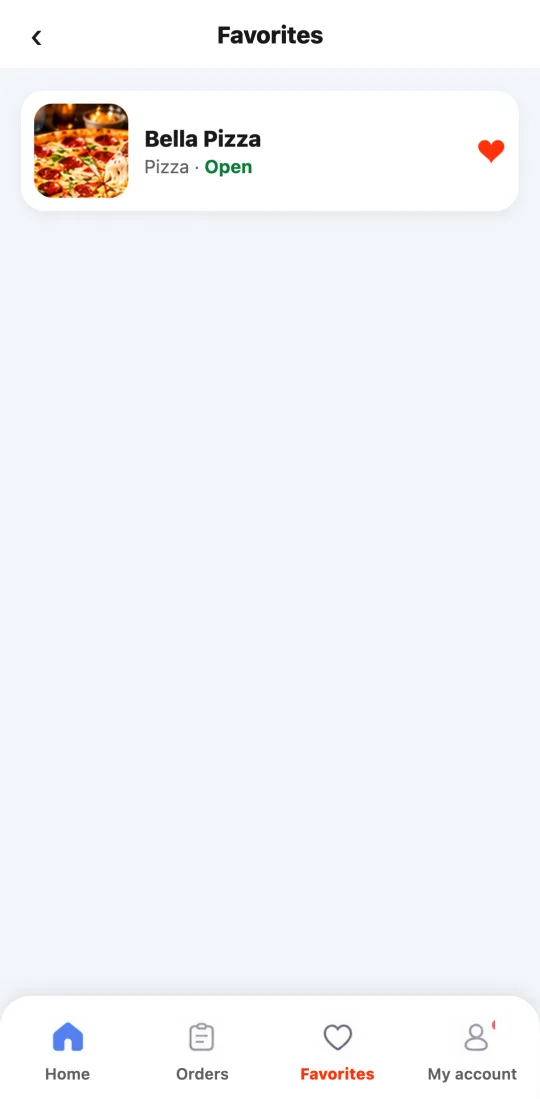
The Favorites tab (bottom bar, third one) shows your saved ones with their type of food and whether they’re open now. Tap one to see its menu.
Your favorites are saved to your account: you see them on any phone you sign in to.
Steps
- Tap the heart on the restaurant card.
- Open them from the Favorites tab.
This guide answers
- How do I save a restaurant?
- Where are my favorites?