
If you can’t continue with an order or the customer isn’t there
Before pickup you can release the order with a reason, no penalty. At the door, if the customer isn’t there, there’s a 5-minute protocol.
How it works
Flat tire, an emergency call: before pickup, write the reason and tap “Release the order.” It’s offered to another driver and your level doesn’t change.
Once picked up it can’t be released: the food belongs to the customer. If there’s a problem, report it from “I have a problem.”
If your phone goes 10 minutes without sending its location before you reach the restaurant, the order is reassigned automatically.
At the door, if nobody comes out: tap “Customer isn’t here.” They get a notice and you can message them in the chat. After 5 minutes, write where you’re leaving it, take the photo and tap “Leave in a safe spot.” You get paid the same.
If the customer chose “hand it to me” and takes it from you, tap “Handed to the customer”: no photo needed. It only works at the door.
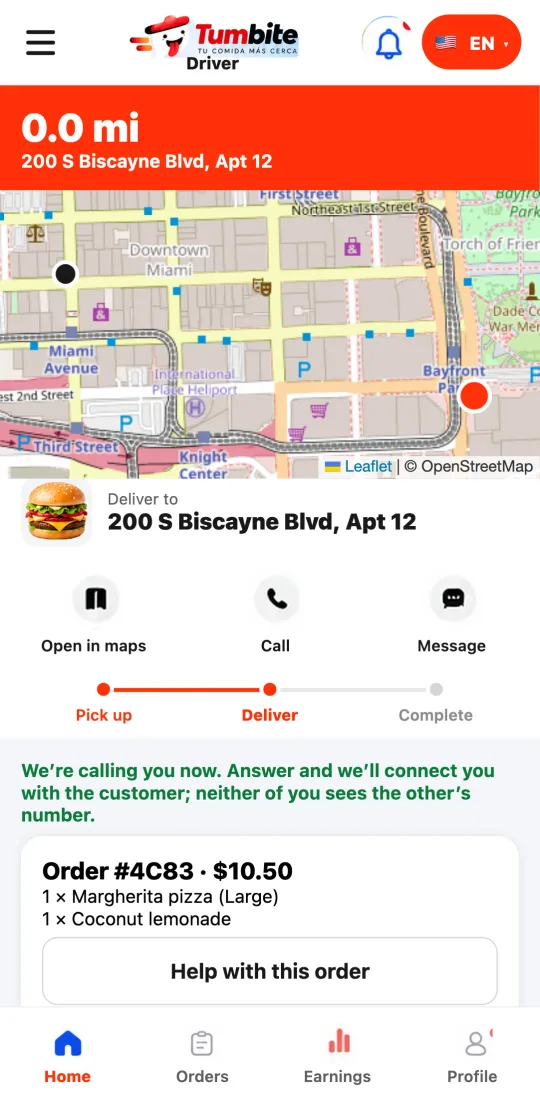
Steps
- Before pickup: write the reason and tap “Release the order.”
- At the door with no answer: “Customer isn’t here,” message them, wait 5 minutes.
- Then: note where you leave it, photo and “Leave in a safe spot.”
This guide answers
- Can I decline an order I already accepted?
- What do I do if the customer doesn’t come out?
- Do I need a photo if I hand it to them?