
Your team: managers and staff
Add the people at your restaurant with their own account and role. Each one signs in to the panel and the app without sharing your password.
How it works
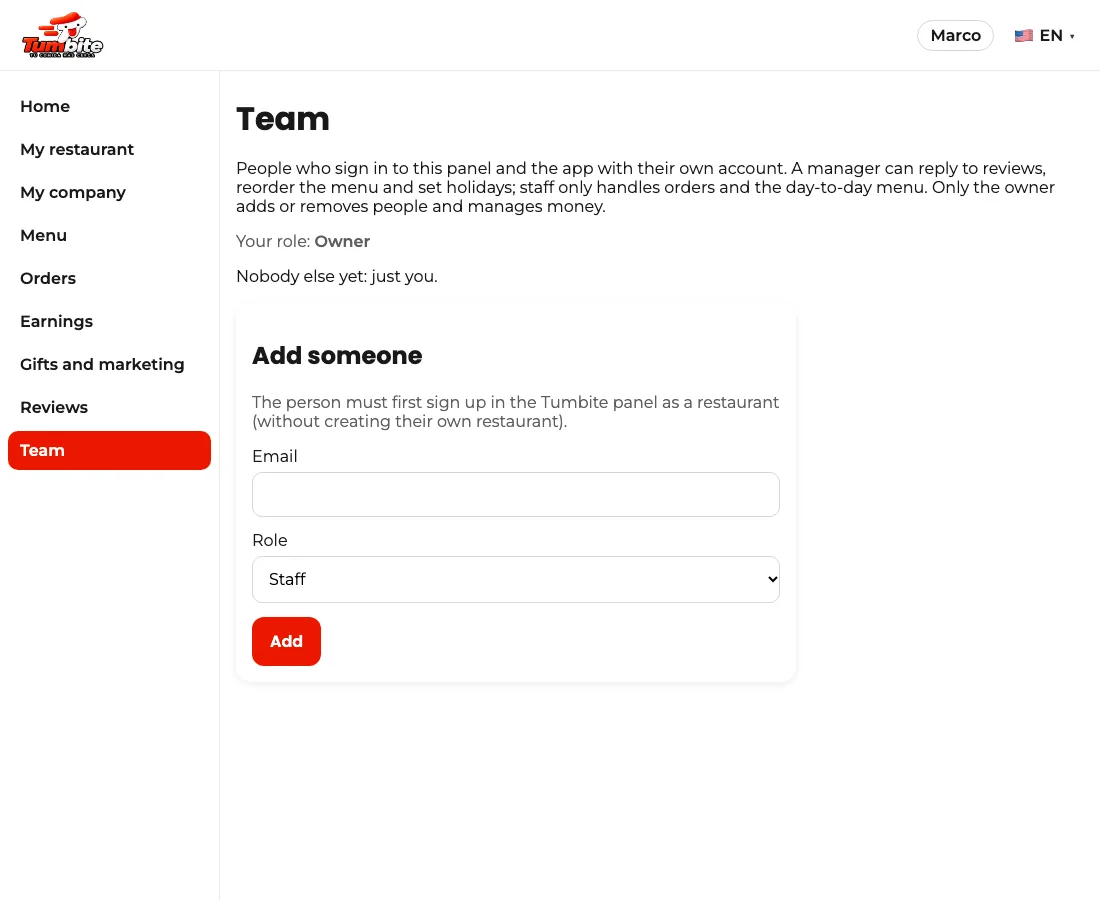
Under Team (panel menu) the owner adds someone by email. The person must first sign up in the Tumbite panel as a restaurant, without creating their own restaurant.
Roles: a manager replies to reviews, reorders the menu and sets holidays; staff handles orders and the day-to-day menu. Only the owner adds or removes people, changes the plan and manages money.
Everyone signs in with their own account and sees the same restaurant. To remove someone, “Remove from team”.
Steps
- Ask the person to sign up in the panel as a restaurant.
- Team → Add someone → their email and role.
This guide answers
- Can I give my manager access without my password?
- What can each role do?