
Levels: Bronze, Silver, Gold, and Diamond
Higher levels see bigger orders first. You level up with deliveries and good ratings.
Steps
- Every completed delivery earns points. Good ratings and punctuality add more.
- If a customer rates you low because of the restaurant (late food, missing items), that rating doesn’t count.
- At equal distance, the order is offered first to the higher-level driver.
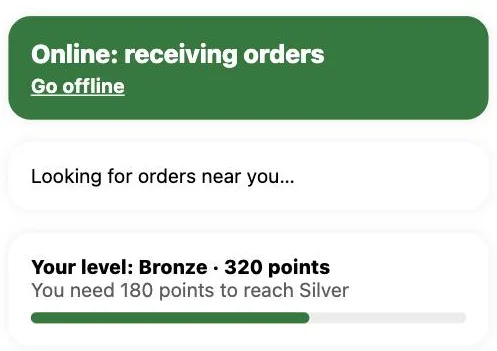
- On the home screen, the “Your level” card shows your points, how far you are from the next level, and a green bar with your progress.
This guide answers
- How do I level up?
- What are levels for?