
Restaurant presentation
The slides for talks with restaurants: what a restaurant gets from each Divoox tool.
How it works
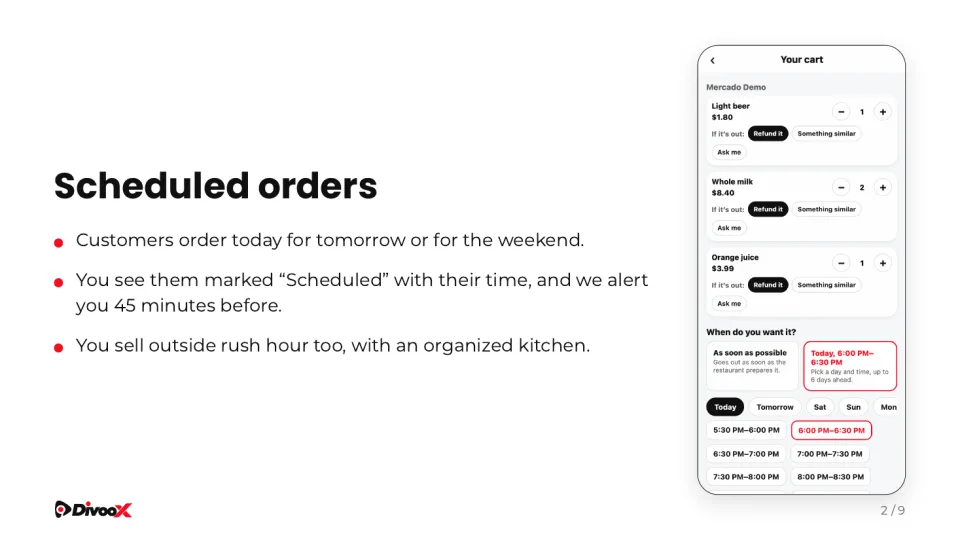
Scheduled and group orders, returning and new customers, the dashboard, printed kitchen tickets, the POS connection and reviews.
Each slide shows the real screen the restaurant will use.
Steps
- Tap “Download”.
- Present it in the talk or send it afterwards by WhatsApp or email.
This guide answers
- Do you have a Divoox presentation for restaurants?
- What should I show a restaurant in a talk?