
Driver safety
Emergency button, share your trip with someone you trust and report an incident, all from “Safety”.
How it works
In the app menu, tap “Safety”.
Emergency: instantly alerts our team with your location and shows the button to call your country’s emergency number.
Share my trip: send a link to someone you trust. They see your first name and where you are, without an account, for 12 hours.
Report an incident: an accident, harassment, a robbery or a loose animal. Tell us what happened and our team will contact you.
I’m deaf or hard of hearing: when you turn it on, the customer and the restaurant of each order see that they should text you in the chat instead of calling, and offers vibrate longer and more times. Only you can turn it on or off.
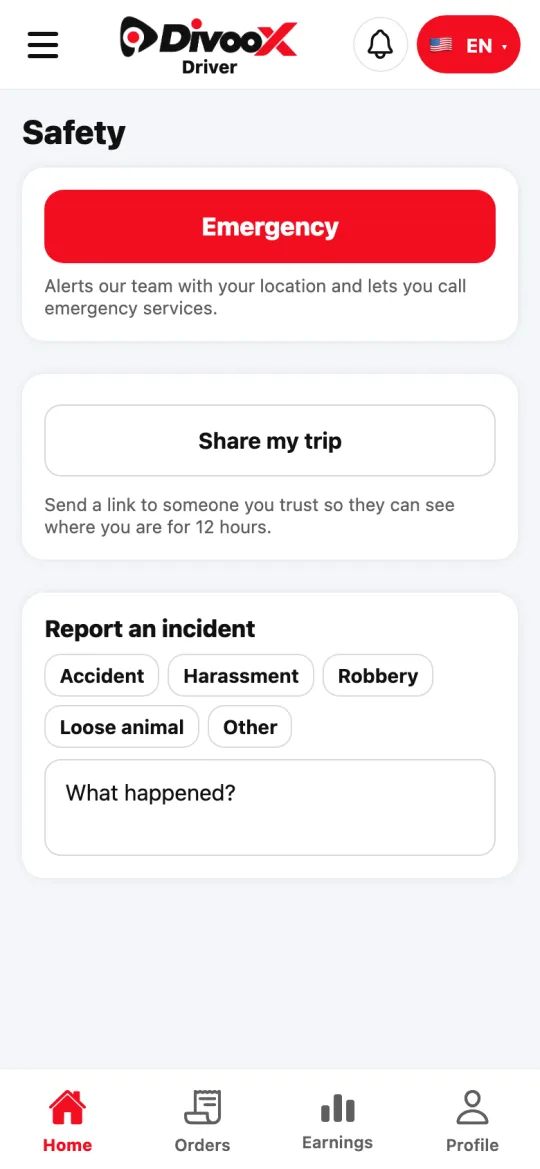
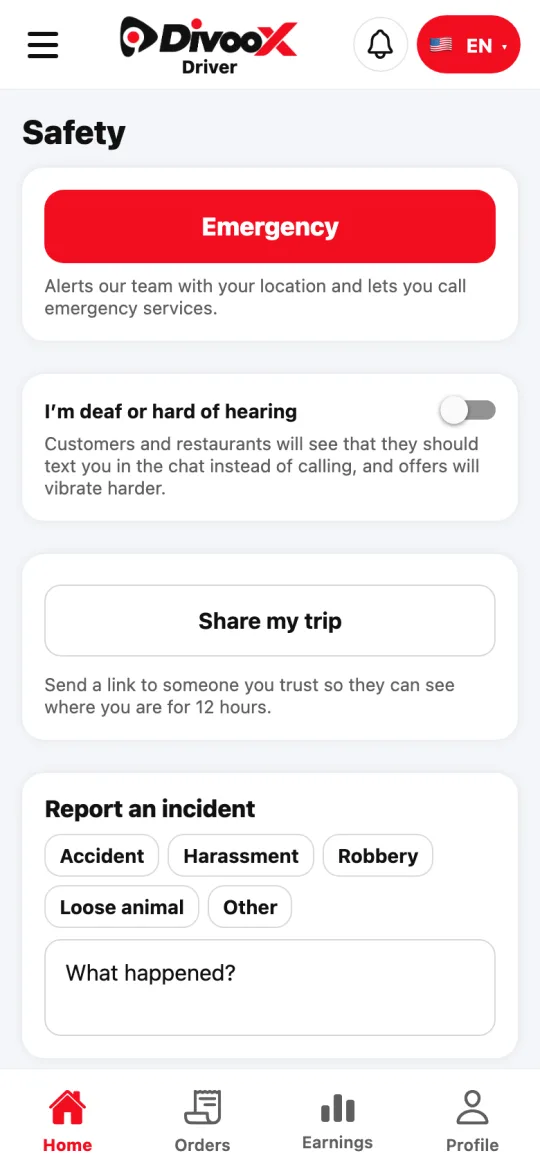
Steps
- Open the menu and tap “Safety”.
- Choose: emergency, share or report.
This guide answers
- What do I do in an emergency while delivering?
- How do I share where I am?