
Share your order tracking
Send a link so someone else can see how your order is going, without an account and without seeing your details.
How it works
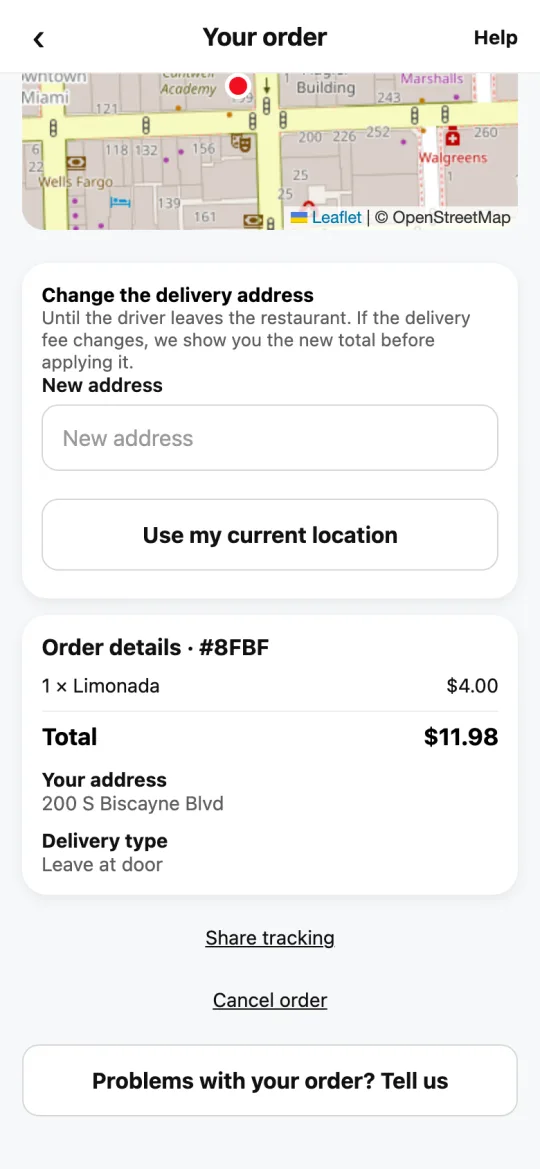
On your order screen, tap “Share tracking” and choose who to send it to.
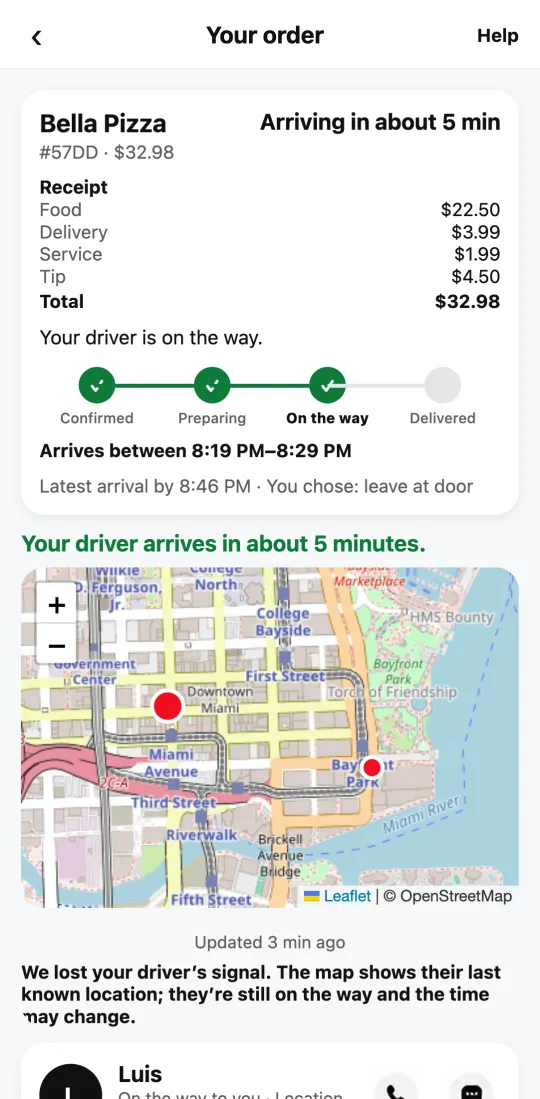
Whoever opens the link sees the order status, which restaurant it’s from, the arrival window (“Arrives between…”) and, once it’s on the way, the driver’s name, where they are on the map, and how long ago it updated. If the driver’s signal is lost, the link says so too.
They don’t see your address, your name or what you paid. The link turns off on its own when the order is delivered or canceled.
Steps
- Open your order.
- Tap “Share tracking”.
- Send it by WhatsApp, text or email.
This guide answers
- How do I show someone where my order is?
- What does the other person see?